Best TikTok Scheduling Tools for 2026: Honest Comparison
Compare the best TikTok scheduling tools for 2026 on pricing, auto-publishing, analytics, and team fit, with honest limits for each.
You batch five videos on Sunday, add captions, and drop them into a calendar. On Tuesday, you check TikTok and discover that some posts went live while others still need you to open the app. The calendar looked finished. The publishing work wasn't.
That's the difference that matters when comparing the best TikTok scheduling tools. A finished video can suit automatic publishing, while a post built around a native sound or effect may need manual completion. Third-party publishing generally can't reliably attach TikTok-native trending sounds through the API, so the audio often needs to be mixed into the uploaded file beforehand, as explained in Synapse's TikTok scheduling guide.
The other differences show up in your bill and your reporting workflow. Some tools charge by connected account. Others organize plans around workspaces, brands, or team access. An affordable calendar becomes less attractive if the approvals or analytics you need require an upgrade.
Practical rule: Judge a scheduler by what happens when a post is due, not by how tidy the calendar looks beforehand.
The options below suit different posting weeks, from a solo creator's batch session to an agency's client approvals. Each has limits. The right choice depends on which work you want to automate, which work still needs a person, and what you're willing to pay to keep those responsibilities clear.
Table of Contents
- 1. iHatePosting
- 2. Buffer
- 3. Later
- 4. Metricool
- 5. Publer
- 6. SocialBee
- 7. Planable
- 8. Loomly
- 9. Sendible
- How the leading TikTok scheduling tools differ on free access, publishing method, analytics, and best-fit users
- Matching Your Scheduler to Your Posting Week
1. iHatePosting
A product launch rarely stops at TikTok. The same campaign might need a video, a LinkedIn post, and a shorter caption somewhere else, and iHatePosting's strength is keeping that work in one place instead of treating each channel as a separate job.
The social media scheduler combines a visual calendar, platform-specific caption tools, previews, and campaign organization. You can group content around a launch, content pillar, or creator partnership, then tailor the wording without separating the asset from its planned post. That helps when the main bottleneck is locating the approved video, remembering which caption belongs on TikTok, and checking whether the rest of the campaign is ready.
What happens when the post is due
iHatePosting does auto-publish to TikTok. The vendor lists automatic publishing among its capabilities, alongside publish alerts and automatic retries, so a finished, eligible video can go live at its slot without you opening the app.
The limit is creative. A post built around TikTok's own sounds, effects, or stickers can still need a finishing step inside the app, so run a real post through your connected account and see which of your formats publish cleanly. The automatic retry covers a temporary failure, but check that the post went live instead of trusting the retry to have worked.
- Before publication: Use previews and platform checks to catch caption or asset problems before the scheduled slot.
- At publication: Confirm which formats auto-publish and which need manual completion, using your real TikTok account.
- After publication: Account-based timing recommendations and trend reporting can inform the next batch without relying solely on generic posting advice.
Connected-account allowances, storage, and some advanced features vary by tier. Confirm the current trial terms and the reporting access your plan includes before buying.
Skip it if you only need a lightweight TikTok queue and won't use campaign organization, caption variants, or cross-platform publishing.
2. Buffer
Buffer is the straightforward starting point for a solo creator who wants less setup. Its appeal is a manageable publishing routine, not an elaborate campaign system. Save ideas, prepare a video, write the caption, and choose the publishing method.
Buffer's TikTok scheduler supports automatic publishing for eligible posts and notification-based publishing when you need to finish inside TikTok. That distinction lets you separate ready-to-publish videos from posts that still need native creative work.
The friction comes when you treat both methods as equally hands-off. A notification still needs an available person, a phone, and time to complete the post.
Where the free plan stops
Buffer's free access has both a connected-channel cap and a scheduled-post cap per channel. That makes it useful for testing a modest queue, but less comfortable if you prepare a large backlog across several accounts.
- Billing: Paid plans charge by connected channel, so price your complete social setup.
- Reporting: TikTok metrics are basic rather than a strong reason to buy Buffer.
- Timing: Don't choose it expecting automatic, account-specific TikTok best-time recommendations.
Its Ideas space is useful when unfinished concepts would otherwise disappear into notes or messages. Cross-posting also helps when your finished video belongs on other networks, provided you still tailor the caption.
If Buffer already sits in your workflow, Quuu's guide to getting started with Quuu and Buffer offers related setup context. TikTok's publishing requirements still need their own attention.
Skip it if account-specific timing recommendations or detailed TikTok reporting are central to your purchase.
3. Later

Later makes sense when your posting session starts with a media library rather than a spreadsheet. You're choosing finished clips, checking the visual mix, and planning TikTok alongside other social content.
Later combines that visual workflow with TikTok scheduling, auto-publishing, analytics, and Linkin.bio landing pages. For a creator or visual-first brand, keeping those tasks together can be more useful than buying a calendar alone.
The limitation is that a well-organized library doesn't remove TikTok's native-feature constraints. Test a representative finished video and a sound-led post separately before deciding how much of your week can run unattended.
Budget for the review workflow
Later's entry plan limits users, social sets, and scheduled posts. Paid plans include TikTok posting-time suggestions, while higher tiers add collaboration, approvals, and deeper reporting.
That creates a practical buying question: are you paying for visual organization, or for the team workflow around it? A solo creator may value the library and calendar. A brand waiting on client sign-off needs to examine approval access first.
A calendar can show that a video is scheduled without proving that the right person has approved the version that will publish.
Use the trial to follow a post from upload through review to publication. Check whether the reporting you need is available on the same plan you're testing, not just visible elsewhere in the product.
Skip it if you only need occasional TikTok scheduling and won't use the visual library, broader calendar, or landing-page tools.
4. Metricool
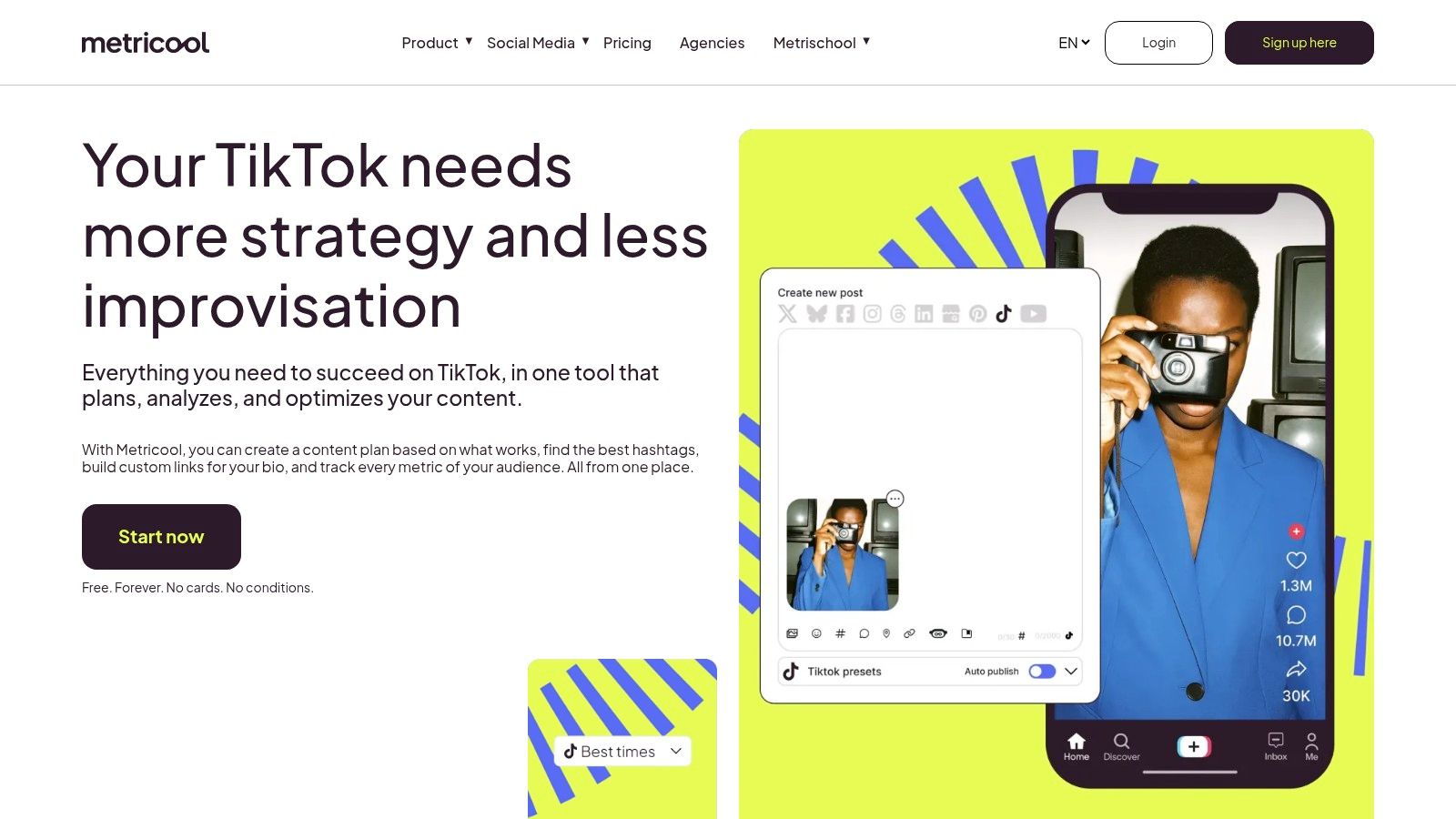
Choose Metricool when your next scheduling session depends on understanding the last batch. It combines a planner with analytics, so publishing and reviewing results don't have to happen in separate tools.
Metricool's TikTok integration supports video and photo-post scheduling, including multi-image posts. It also supports auto-publishing for personal and business accounts, subject to account-type and API restrictions.
That qualification matters. Don't assume a music option or publishing control available to an eligible Business account will behave identically on every account you manage.
A useful test of planner and reporting
The free plan lets you evaluate the planner and analytics, but it has a monthly publishing cap and excludes some network connections. Paid plans scale by brands, while advanced reporting and team approvals require higher plans.
- For solo users: Test whether the free publishing allowance accommodates your normal batch.
- For agencies: Count brands and confirm approval access before comparing subscription costs.
- For music-led posts: Verify eligibility and available music controls on the connected account.
The strongest reason to consider Metricool is the connection between publishing choices and performance review. Compare formats and posting days, then use what you learn to plan the next queue. Don't interpret a busier calendar as proof of a better strategy.
For a broader view of scheduling workflows, Quuu's review of scheduling apps can help frame the comparison.
Skip it if you need approvals or advanced client reporting but intend to stay on the free plan.
5. Publer
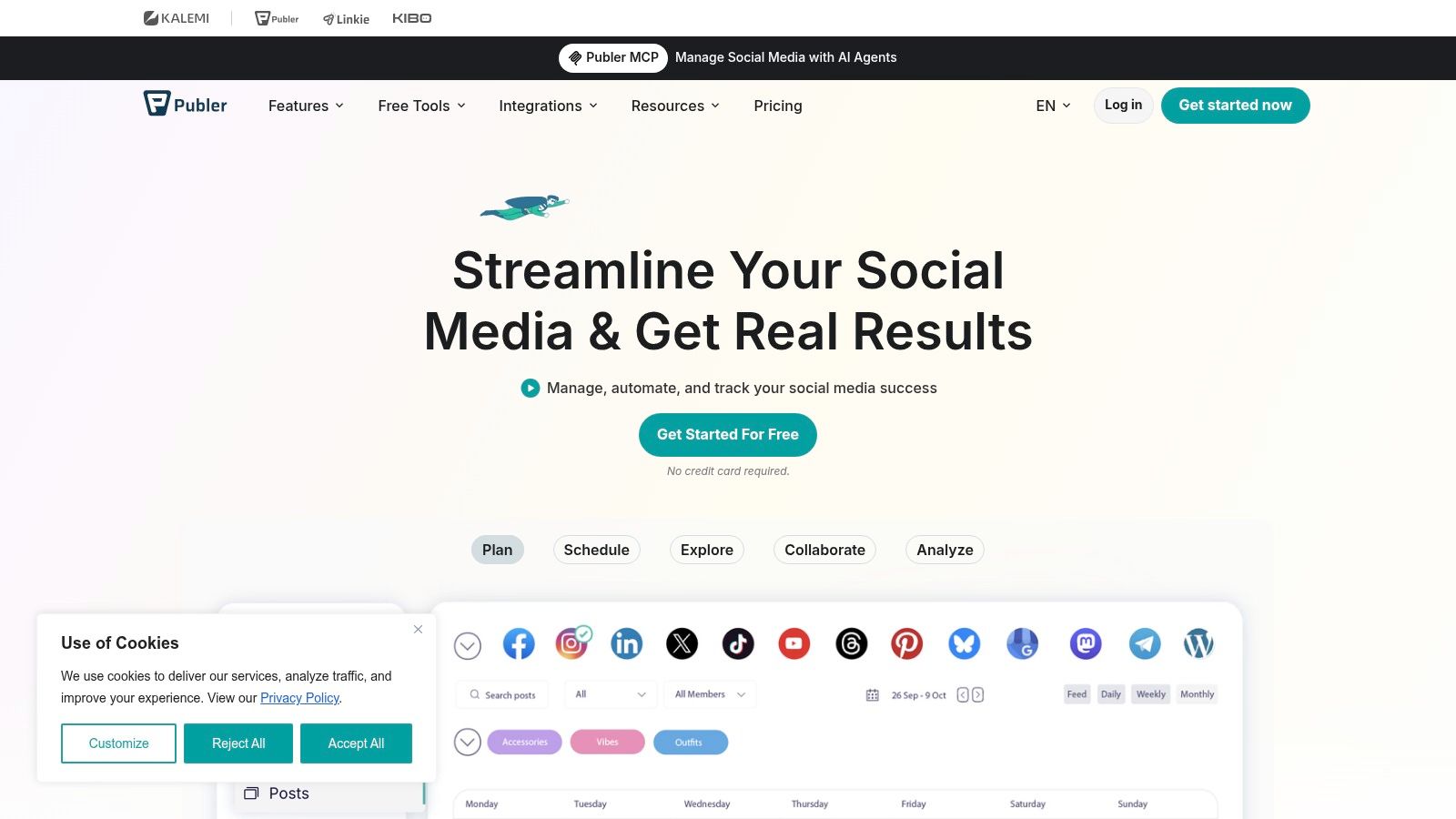
Publer's pricing structure deserves attention if you add client accounts gradually. Instead of choosing a large setup immediately, you can evaluate an account-based plan against the profiles and people you currently need.
Publer combines a calendar, bulk scheduling, and workspaces for separating brands or clients. Paid tiers add automation and collaboration capabilities, including AutoSchedule and content recycling.
On a real posting day, workspace separation is useful because the wrong caption in the wrong client account is a bigger problem than an untidy calendar. Bulk scheduling is useful too, but only after you've checked account selection and the final creative.
The upgrade that changes the decision
Analytics, best-time scheduling, and approval workflows are Business-plan features. That's the important boundary if you're comparing Publer as a team tool rather than a personal scheduler.
The free plan has a connected-account cap and excludes X. Costs rise as you add social accounts and team members, so evaluate the configuration you expect to use, not just the entry offer.
- For batch production: Check that bulk uploads preserve the right video-caption pairing.
- For client work: Confirm that approvals are included before inviting reviewers.
- For cross-posting: Review each network's version instead of assuming the TikTok caption fits everywhere.
Quuu's guide to multi-platform video scheduling is relevant if TikTok is part of a wider video distribution routine. Native TikTok finishing steps still need a named owner.
Skip it if you need reporting and approvals but aren't prepared to pay for the Business plan.
6. SocialBee
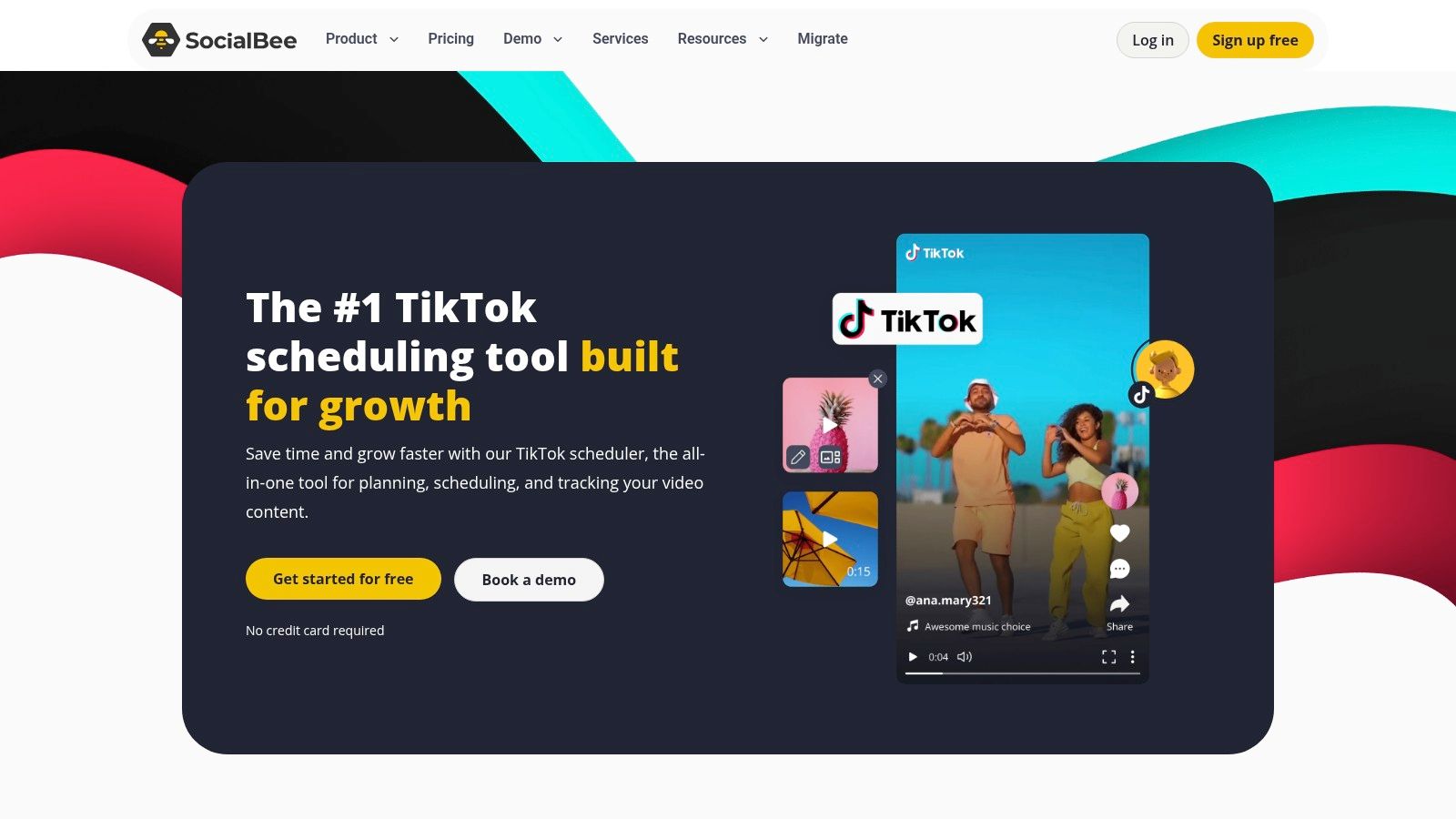
A creator with three repeatable formats, tutorials, customer questions and product demos, can fill a week without choosing a pillar every day. That is where the SocialBee case stands: categories set the rotation, and the queue keeps those slots supplied.
SocialBee's TikTok scheduler belongs in that queue-first workflow. For a finished video that needs no TikTok-native changes, plan on direct publishing and verify it lands on the profile before leaving it unattended. If the post still needs a sound, sticker, cover, caption fix or privacy choice inside TikTok, treat the schedule as a handoff that sends the item back to a person.
Categories earn their place only with repeatable formats
Build categories around formats you can produce again: tutorial, FAQ, product demo, founder note. Keep trend sounds, expiring offers and reactive clips out of recycling until someone rechecks them. The operational limit is human finishing and TikTok edits; calendar space is secondary.
Use the first scheduled week as a publish-time audit. Check account selection, video caption pairing, cover state and whether each category produced a ready post or a reminder. If reporting or client review sits outside the scheduling flow, price that gap before standardizing on categories.
Skip it if most posts are trend responses or one-off clips that will not survive a queue slot.
7. Planable
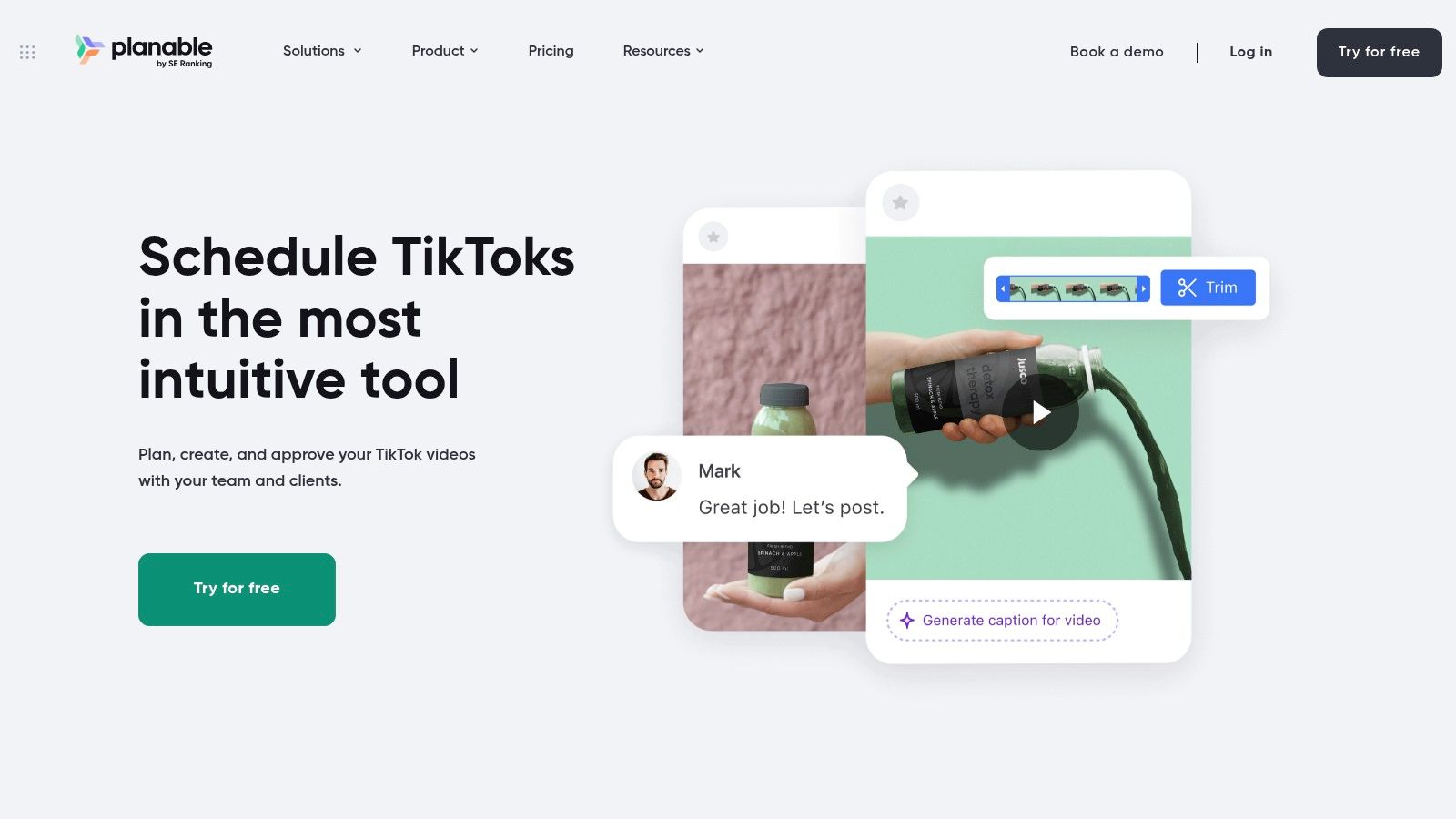
The video is ready, but the client's approval is buried in a message thread. Someone comments on an older caption. Publication waits while you establish which version is final.
That's the problem Planable's TikTok workflow is built to address. Drafts, comments, previews, and approvals keep review close to the content, while dedicated workspaces separate client calendars.
It supports direct publishing or mobile notifications depending on the post and workflow. Approval and publication are still separate responsibilities, especially when someone must finish the post inside TikTok.
Collaboration first, analytics separately
Planable's workspace-based plans include unlimited users, making the workspace count an important part of an agency's cost calculation. Its free access is capped by total created posts rather than serving as an unlimited ongoing queue.
The other major trade-off is analytics as a separate paid add-on. Don't assume a collaboration subscription automatically covers the reporting you'll need for a client meeting.
- Review test: Ask a client or colleague to comment on a draft and approve the final version.
- Publishing test: Confirm whether that specific post goes live directly or triggers a mobile handoff.
- Budget test: Include analytics and every required workspace in the comparison.
Planable is compelling when preventing approval confusion matters more than maintaining an evergreen queue. Its value is weaker if you work alone and rarely need feedback before publication.
Skip it if you want a simple personal scheduler with analytics included rather than a collaboration-led product with reporting added separately.
8. Loomly
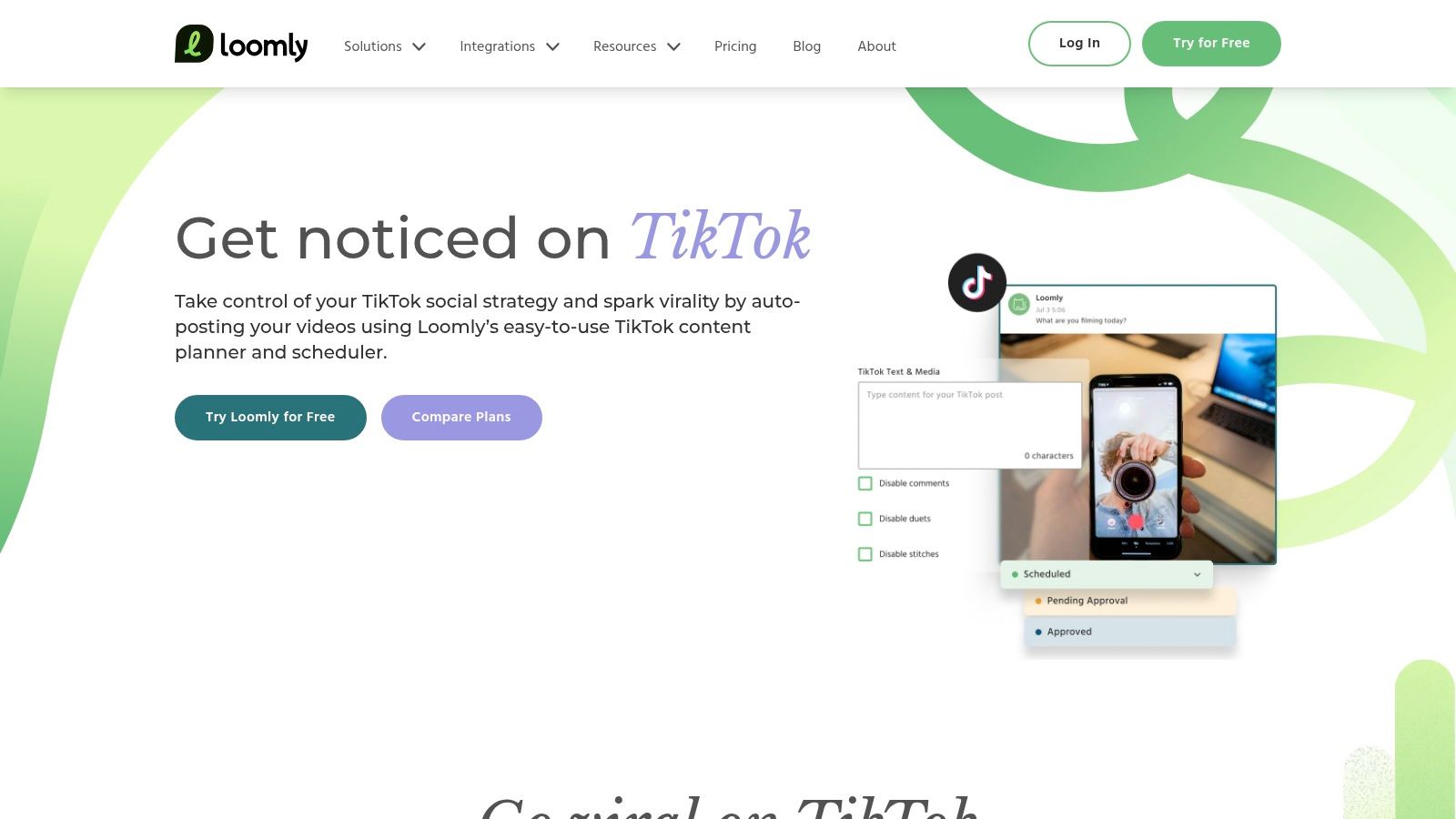
Loomly sits between a content calendar and a team production workspace. It's worth considering when planning, editing, and feedback currently happen in separate places.
Loomly's TikTok integration supports scheduling and auto-publishing, with controls for thumbnails and interaction settings. Calendar and list views, post previews, a built-in video editor, and approval workflows support the preparation around that final step.
Those details matter when a reviewer needs to check more than the caption. The cover and interaction settings should be part of the publishing decision, not something someone remembers after the video goes live.
Check the handoff from editing to publishing
Use the trial or product evaluation to follow a revised video through the workflow. Ask whether the final asset, thumbnail, caption, and settings are easy for the reviewer to inspect before approval.
Loomly also includes post ideas, which can be useful when a team needs help deciding what to make next. They're less relevant if your bottleneck is just uploading finished videos on time.
- Team fit: Roles and approvals are useful when people have distinct production responsibilities.
- Plan fit: Social-account and user allowances vary, so map your actual team to the available tier.
- Creative fit: Auto-publishing still needs evaluation against your native-sound and effect requirements.
Its entry cost can be harder to justify for a solo user who only needs a queue. The case becomes stronger when the team will use the editing, planning, and review tools together.
Skip it if you post occasionally and already have a reliable editing and approval process elsewhere.
9. Sendible
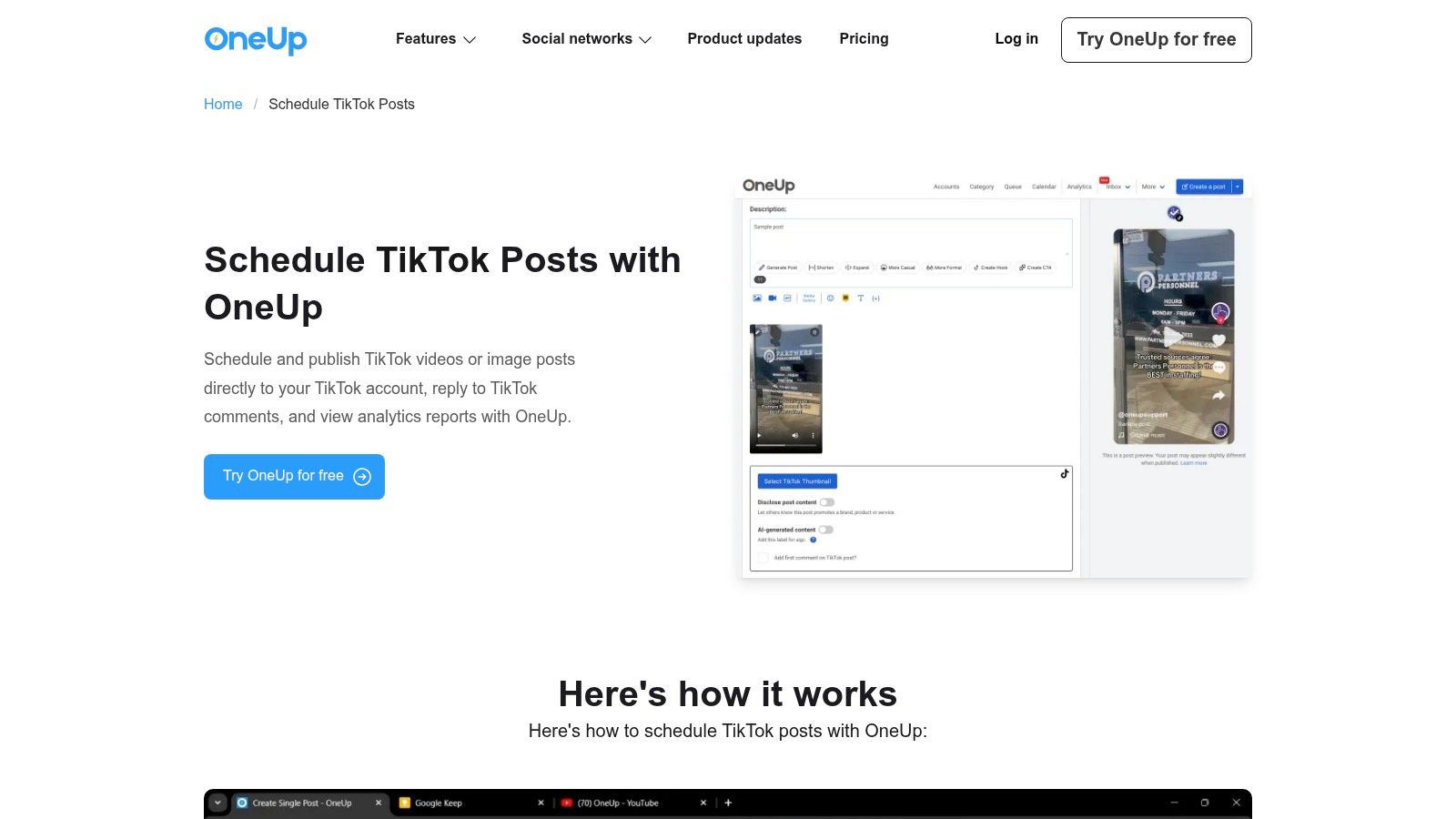
An agency's publishing problem isn't just getting a video online. It's keeping clients separate, controlling access, managing approvals, and understanding what happened across the publishing queue.
Sendible targets that operating model. Its TikTok support covers Business and Personal accounts, while workspaces, bulk scheduling, smart queues, approvals, and reporting support wider client management.
TikTok publishing controls include thumbnail selection and settings for comments, Duets, and Stitches. Enabling Duet or Stitch interactions isn't the same as creating a native Duet or Stitch post, so don't confuse an interaction setting with a creative workflow.
Price the agency configuration
Sendible's pricing page should be evaluated against your required workspaces and profiles. Listed plans include unlimited users, but workspace and profile needs still affect the configuration and cost.
For an agency, that means the relevant comparison is the whole client setup. A low starting price won't tell you whether the product is economical once every required brand and profile is included.
Test the workflow with the person who normally gives client approval, not just the person who buys the software.
During evaluation, check whether reviewers can find the right content without seeing unrelated client work. Then test how the team identifies a publishing issue and assigns responsibility for fixing it.
Sendible makes more sense when you'll use its client controls and reporting alongside TikTok. A solo creator may spend time configuring processes they don't need.
Skip it if you manage a simple personal posting queue and don't need client workspaces, access controls, or agency reporting.
How the leading TikTok scheduling tools differ on free access, publishing method, analytics, and best-fit users
The useful split is what happens when a post is due: some tools put it live, others hand you a notification, and several reserve analytics or approvals for paid tiers.
| Tool | Free access | What happens at publish time | Analytics and approvals | Best fit | Skip it if |
|---|---|---|---|---|---|
| iHatePosting | Trial terms and allowances vary; confirm directly | Automatic publishing with alerts and retries; confirm network coverage for your accounts | Trends and account-based timing recommendations; confirm history and export depth | Teams coordinating campaigns across multiple social platforms | Skip it if TikTok is your only channel |
| Buffer | Capped free plan; check current limits | Automatic publishing where supported, with notification-based posting and cross-posting as the fallback | Basic TikTok performance metrics | Creators and small businesses seeking simple, low-cost scheduling | Skip it if you need approvals or client reporting |
| Later | Check current terms | TikTok scheduling with auto-publishing on supported setups | TikTok analytics; suggested posting times sit on paid plans | Visual-first creators planning content across networks | Skip it if collaboration access must be free |
| Metricool | Free plan with a monthly publishing cap; check current limits | TikTok video and photo scheduling; auto-publishing depends on account and API limits | Performance tracking and reporting; confirm plan level | Solo users and agencies combining publishing with reporting | Skip it if your posting volume exceeds a tight monthly cap |
| Publer | Free plan available; check current account limits | Calendar and bulk scheduling; AutoSchedule and recycling move up by plan | Analytics and best-time tools can sit on higher plans | Creators, small businesses, and agencies adding accounts gradually | Skip it if reviewers need access on the cheapest setup |
| SocialBee | Check current terms | TikTok scheduling built around category-based queues | Analytics on paid plans | Users organizing recurring and evergreen content across networks | Skip it if you want a permanent free tier confirmed up front |
| Planable | Free access capped by total created posts; check current limits | Direct or notification-based TikTok publishing | Approvals are central; analytics is a paid add-on | Teams and agencies that need reviews, feedback, and sign-off | Skip it if nobody approves posts before they go live |
| Loomly | Check current terms | TikTok scheduling and auto-publishing | Planning and collaboration are central; confirm analytics depth | Small teams combining content planning, editing, and collaboration | Skip it if you only need a queue, not a workflow |
| Sendible | Check current terms | TikTok video publishing, bulk scheduling, and smart queues | Reporting is available; plan details vary by configuration | Social media managers and agencies handling multiple clients | Skip it if client workspaces and access controls are unnecessary |
Matching Your Scheduler to Your Posting Week
Start with how many TikTok accounts you manage. A solo creator can usually prioritize a clear queue and a manageable free-plan limit. An agency needs to compare connected accounts, brands, workspaces, and user access because those billing units aren't interchangeable.
Buffer is a sensible starting point for simplicity. Metricool deserves attention if publishing and performance review belong together in your workflow. iHatePosting is worth evaluating when TikTok sits inside a broader campaign that requires platform-specific captions and coordinated assets.
Your next question is whether approvals happen before publishing. If they do, test the approval process before spending time arranging a polished calendar. Planable, Loomly, and Sendible are relevant candidates, while Publer and Later require particular attention to plan-level collaboration access.
Decide where reporting belongs
Ask whether you need analytics inside the scheduler or can use TikTok's native data. If native reporting already answers your questions, don't buy an upgrade just to duplicate the same review elsewhere. If you deliver client reports, compare the reporting access and export workflow on the exact plan you're considering.
Timing recommendations should be treated as inputs to testing, not guarantees. A study of institutional TikTok accounts illustrates why publishing activity and audience response should be examined separately. Your busiest posting day isn't automatically your strongest day.
Use a free tier where available, or a trial where it isn't, with your real account and a full posting week before committing. Include finished videos, a post requiring native creative work, and any approval handoff you normally use.
- Observe publication: Record which posts go live without intervention and which need a person.
- Inspect the limits: Check whether your normal queue, accounts, reviewers, and reporting fit the tested plan.
- Follow a problem: Establish who sees a failure or notification and who completes the next action.
If TikTok sits alongside X, LinkedIn, Facebook, or Bluesky, Quuu's AI social media agent can automate creation and scheduling across those supported networks, with optional review and approvals. Quuu doesn't publish to TikTok, so you'll still need a TikTok tool from the options above.
Choose the scheduler that matches your biggest bottleneck, connect your actual TikTok account, and schedule your next posting week. Check the live results against the calendar before subscribing. Buy the workflow that gets your content published with clear ownership, not the dashboard that looks most complete.