Best Meta Ad Library Tools for Marketers in 2026
Compare the best Meta Ad Library tools for marketers, from free first-party search to paid competitor tracking, with honest limits and clear use cases.
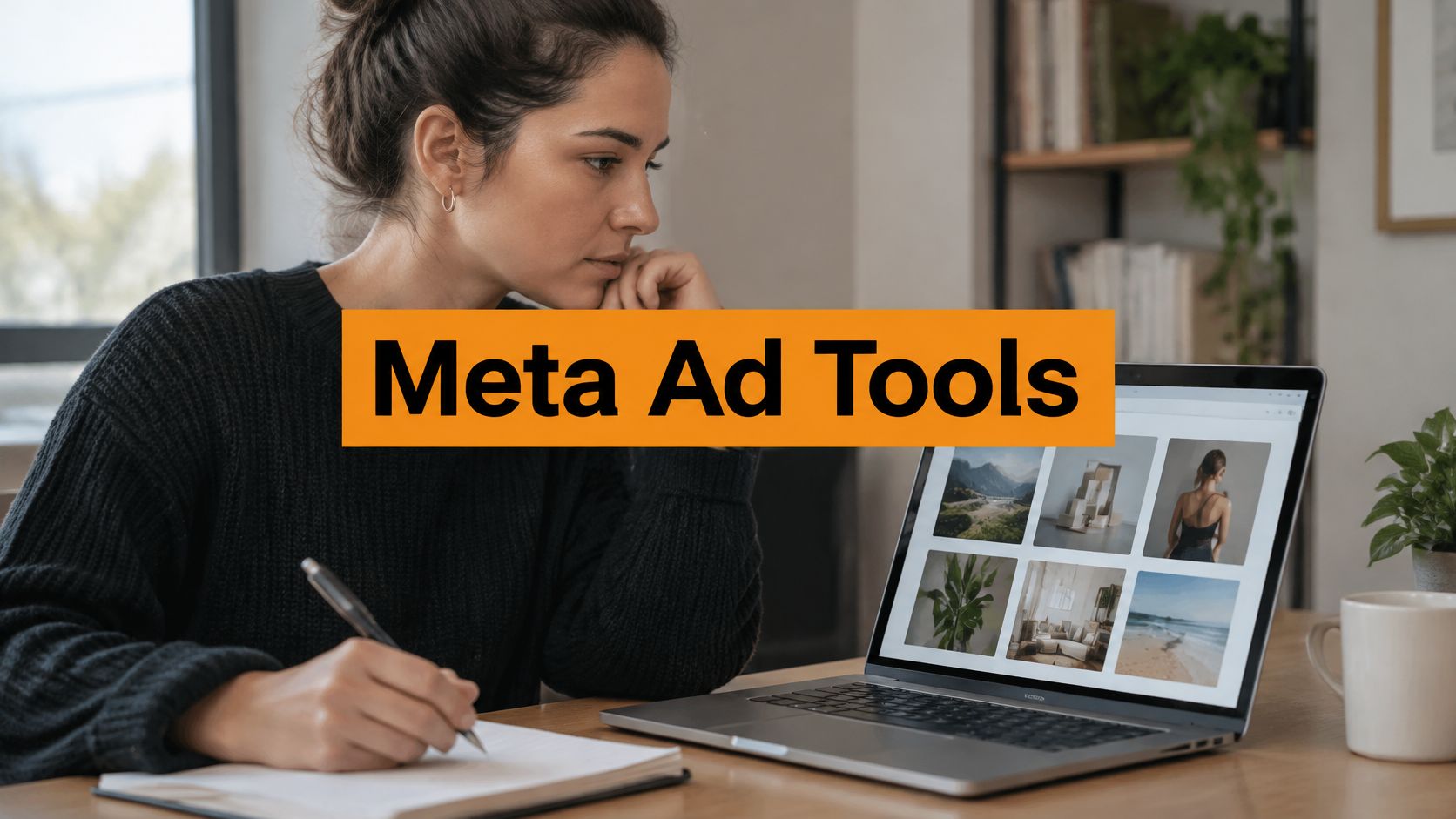
A competitor launches six new video ads in one week, and you have two hours before someone asks whether any of them signal a new offer or just another test. You can open Meta's public library, search the Page, and scroll. That works for a single check. It gets slow once you are comparing variants, saving examples for a designer, or watching several brands across countries.
For ordinary commercial ads, the library generally shows the creative, the advertiser or Page, the start date, and the countries, but not spend, impressions, audience targeting, click-through rate, conversion rate, frequency, or return on ad spend, which HyperFX's guide to using the Meta Ad Library spells out. A long run can be a survival signal. It isn't proof the ad is profitable. The brand may be keeping a cheap test live, using the creative for retargeting, or leaving an old ad on for reasons that have nothing to do with results.
The best Meta ad library tools for marketers below are grouped by the job, not by feature count. One tool is for checking a single advertiser. Another is for a swipe file and briefs. Others fit ecommerce product research or cross-network comparison. Every option is a research aid. You still have to validate the angle in your own account.
Table of Contents
- 1. AdLibrarySpy
- 2. Meta Ad Library
- 3. Foreplay
- 4. AdSpy
- 5. BigSpy
- 6. Minea
- 7. Adplexity Social
- 8. Adheart
- 9. Dropispy
- How the Shortlisted Meta Ad Library Tools Compare
- Build a Meta Ad Library Stack You Can Actually Maintain
1. AdLibrarySpy
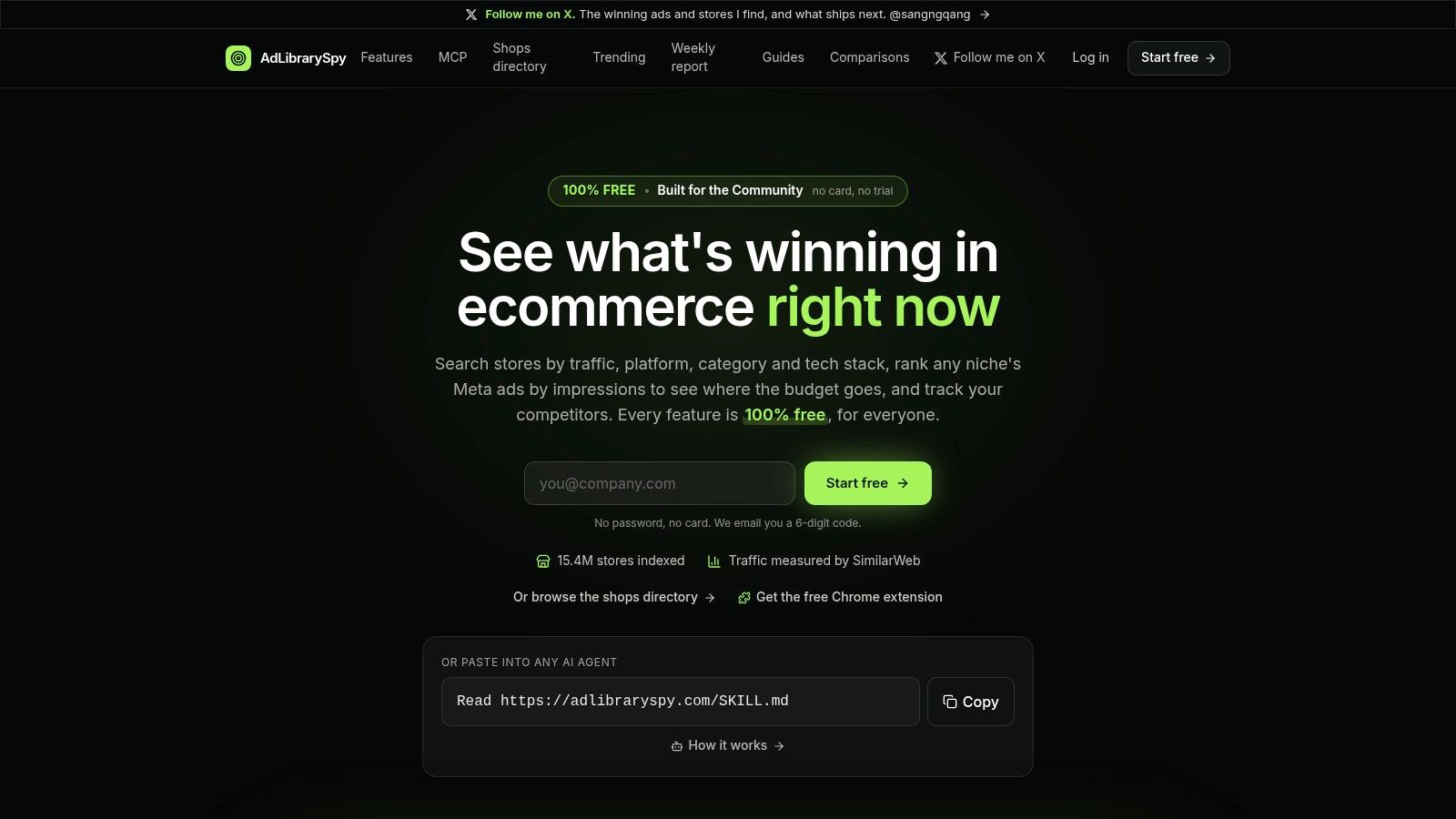
When the question isn't "what does this one ad look like?" but "what store, product, and creative pattern sit behind it?", AdLibrarySpy is the workspace I'd open first. It's a free ecommerce intelligence platform for store discovery, Meta ad research, and competitor monitoring, and the site reports an index of 14.7 million stores.
The landing page is a search workspace, not a paywall.
What you can actually pull together
Store records come from the PlatformDTC market index. SimilarWeb supplies traffic for the exact store host, Meta Ad Library supplies the ads, and public Shopify feeds supply product information. Figures show their source and reporting period. If traffic or ad media is missing, it's omitted rather than invented. There's no modelled revenue, ad spend, or rating score, which is the right kind of restraint.
- Shop filters: Narrow by ecommerce platform, category, traffic, growth, country, installed apps, and tracking pixels. Listings can include visits, average order value, ad counts, and top products where those fields exist.
- Store profiles: Traffic history, visitor countries, ads over time, products, apps, and similar shops sit on one page, so you stop hopping between tabs.
- Ad search: Look up Facebook and Instagram creatives by brand, niche, format, placement, and country. Records include copy, landing pages, run dates, and other ads from the same brand.
- Brandtracker and teams: Snapshots of traffic and ad activity, email alerts, shared saved stores, folders, and tracked brands. Weekly reports cover ad increases, traffic growth, ad peaks, and newly identified stores. An MCP connection lets a compatible assistant search records and manage tracked brands.
Registration uses an emailed six-digit code. No password, card, or trial. Team workspaces, tracking, weekly reports, and that AI access are included. API use sits under fair-use rate limits. Coverage is Meta only. TikTok and Google ads aren't in the index.
If your brief is "find the store, the product, and the live Meta creative in one pass," a free consolidated profile beats a pile of screenshots.
It's the wrong pick if you need non-Meta networks, exact competitive spend, or proof that a product is profitable. Use it to shortlist stores and angles, then test.
2. Meta Ad Library
Meta's own library is the baseline I still open before I trust any third-party export. In March 2019, Meta's EU ads transparency announcement introduced an Ad Library Report for political and issue advertising, with daily updates and windows of 1, 7, 30, or 90 days. The public record showed the advertiser or Page, "Paid for by" details, estimated spend, impressions, and audience demographics such as age, gender, and location. Political and issue ads were kept for seven years.
What the free search is good for
Search by advertiser or keyword, filter by location and ad category, and inspect active ads plus the placement details Meta chooses to show. Eligible teams can go further with the Ad Library API. Basic lookup doesn't need a subscription.
It breaks down when the job is pattern-finding. You work one Page at a time, there's no swipe file, and history varies by category and region. A brand split across regional Pages, sub-brands, or agency Pages will look quieter than it is. The API also needs an app, verification, and token upkeep, so it isn't a casual "winning ads" database.
If the competitor's paid presence is thin and you still need distribution this week, weigh when Promote makes more sense than ads before you copy a creative you can't verify. Use the official library to confirm that an ad exists, then move the examples into whatever workspace your team will reopen.
3. Foreplay
Foreplay is the tool I'd hand a creative team that already knows which competitors matter and needs the research to become a brief. You search a community-curated ad database, save examples to boards from the browser or a phone, and turn those references into shareable briefs. The paid Workflow plan adds competitor ad-library tracking and creative analytics.
In Q1 2025, 96% of brand and retailer professionals surveyed by Digiday Research said their companies used Instagram, compared with 86% using Facebook. A board that only saves feed screenshots from one placement will miss how the same offer shows up in Stories, Reels, and carousels.
The dashboard is built around saved inspiration, not a media-buying console.
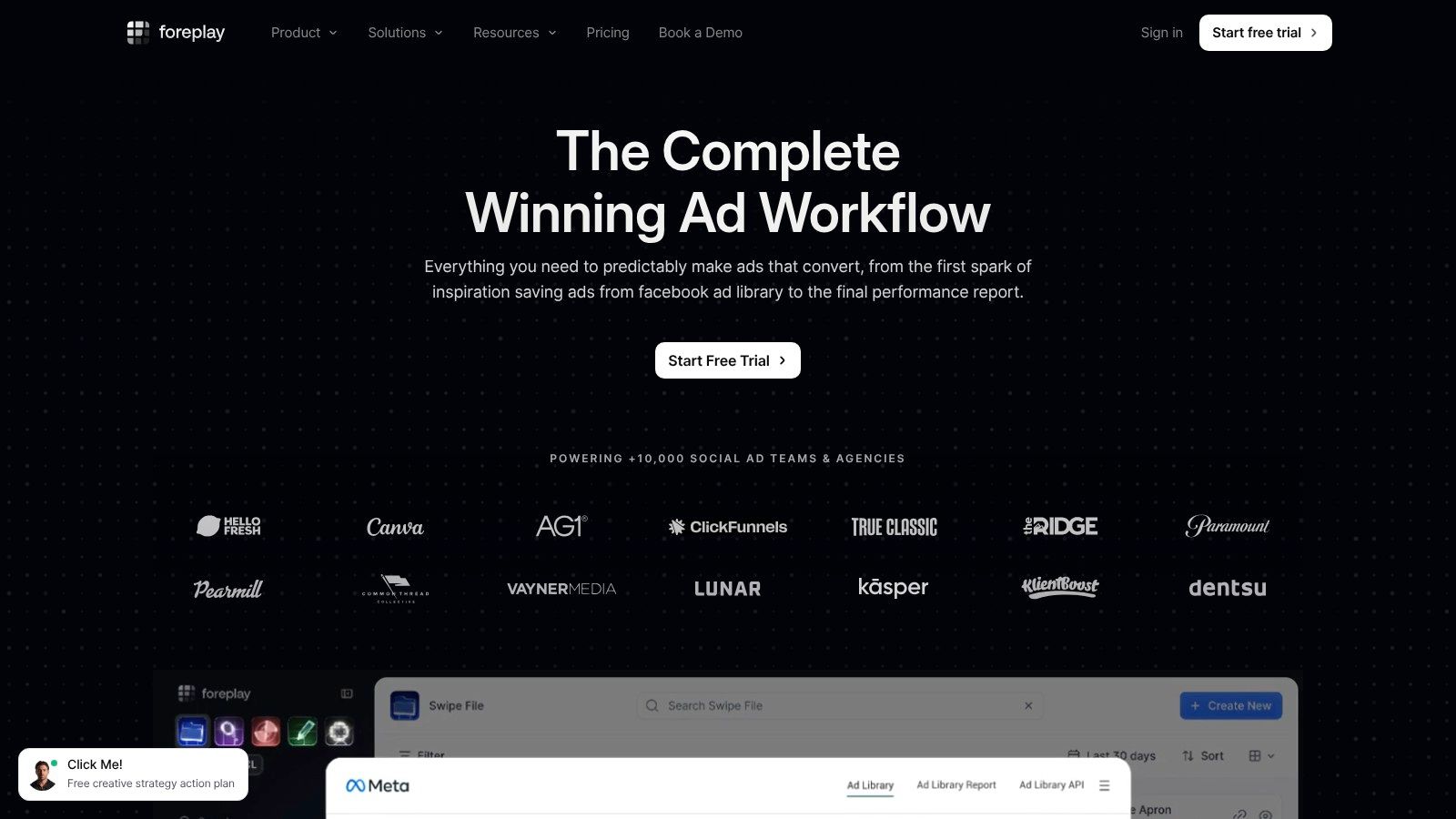
Boards and briefs are the reason to pay. A strategist can pin a hook, a designer can see the format, and a founder can comment without a shared spreadsheet. Foreplay lists a seven-day trial on its pricing page, so you can test that handoff before you commit.
Competitor tracking sits on the more expensive Workflow plan, which is a lot if you only spy once a month. Saved ads are inspiration. They don't prove the original campaign worked. Pair the boards with the wider kit in this roundup of tools social media managers actually keep open, and keep testing separate from the mood board.
4. AdSpy
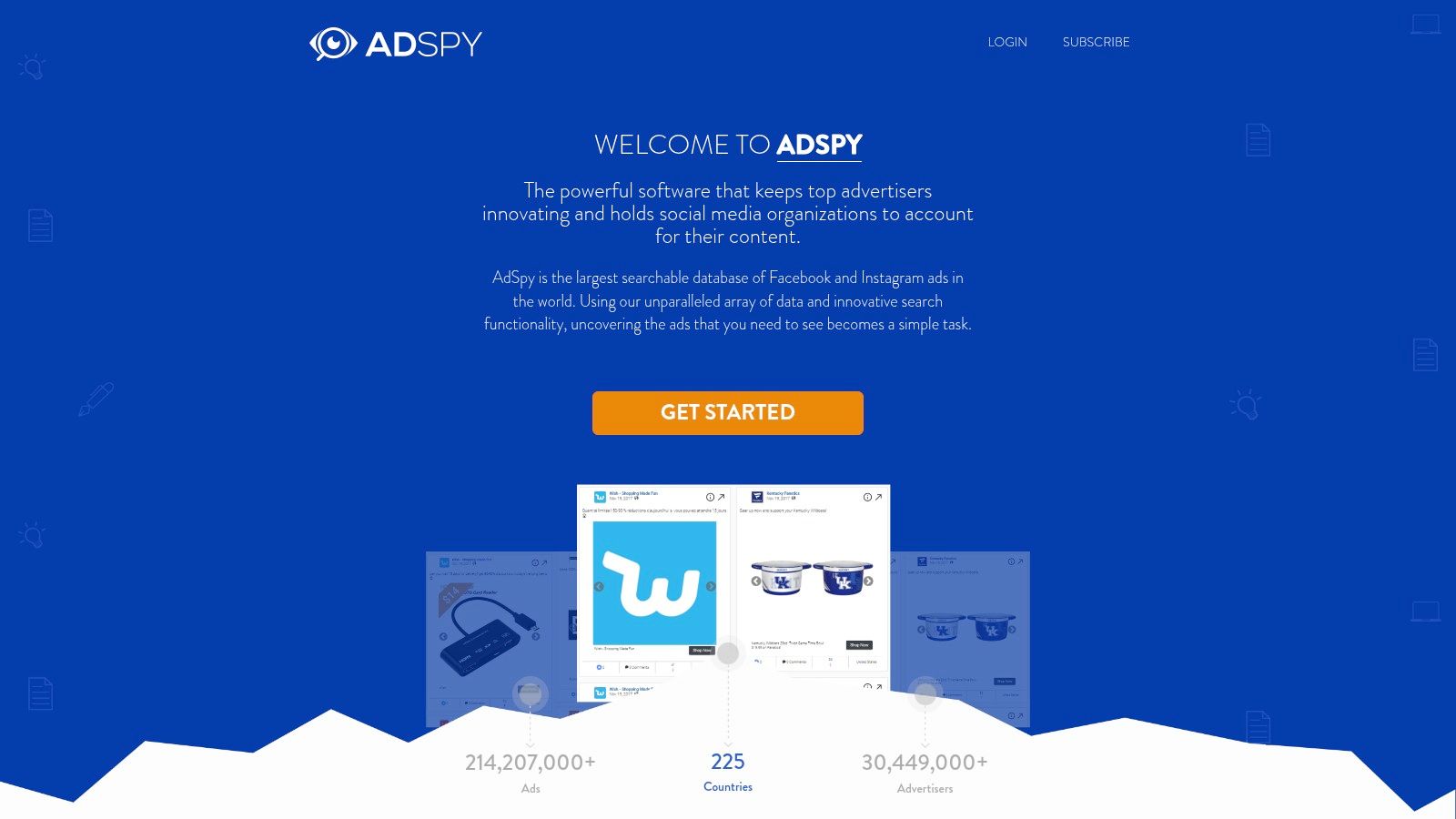
AdSpy is a Meta-focused database for people who want to slice Facebook and Instagram ads by text, advertiser, URL, media type, and other filters, then read the comments. That comment search is the part most libraries skip. You can look for a product name, a complaint, or a phrase buyers repeat, which gives qualitative context the creative alone doesn't.
Coverage isn't the same in every country, and political data is richer than commercial data. Meta's ad standards are a reminder to record country and delivery period before you call a gap "the competitor went quiet." Meta stopped accepting new political, electoral, and social-issue ads in the EU in October 2025, so a historical political record and a live commercial account aren't comparable datasets.
Filters also include signals such as last-seen date and user reactions, and the company says the index supports international and multilingual research. Single-plan pricing is straightforward, which helps agencies that don't want to decode tiers. It can still be expensive if you only need a quarterly look. Reactions and comment volume aren't private campaign results.
Say you're auditing a supplement brand's cold-traffic videos. Filter to video, sort by how recently ads were seen, then search comments for "shipping" or "subscription." You'll learn which objections the creative is trying to answer. You still won't learn the cost per purchase.
5. BigSpy
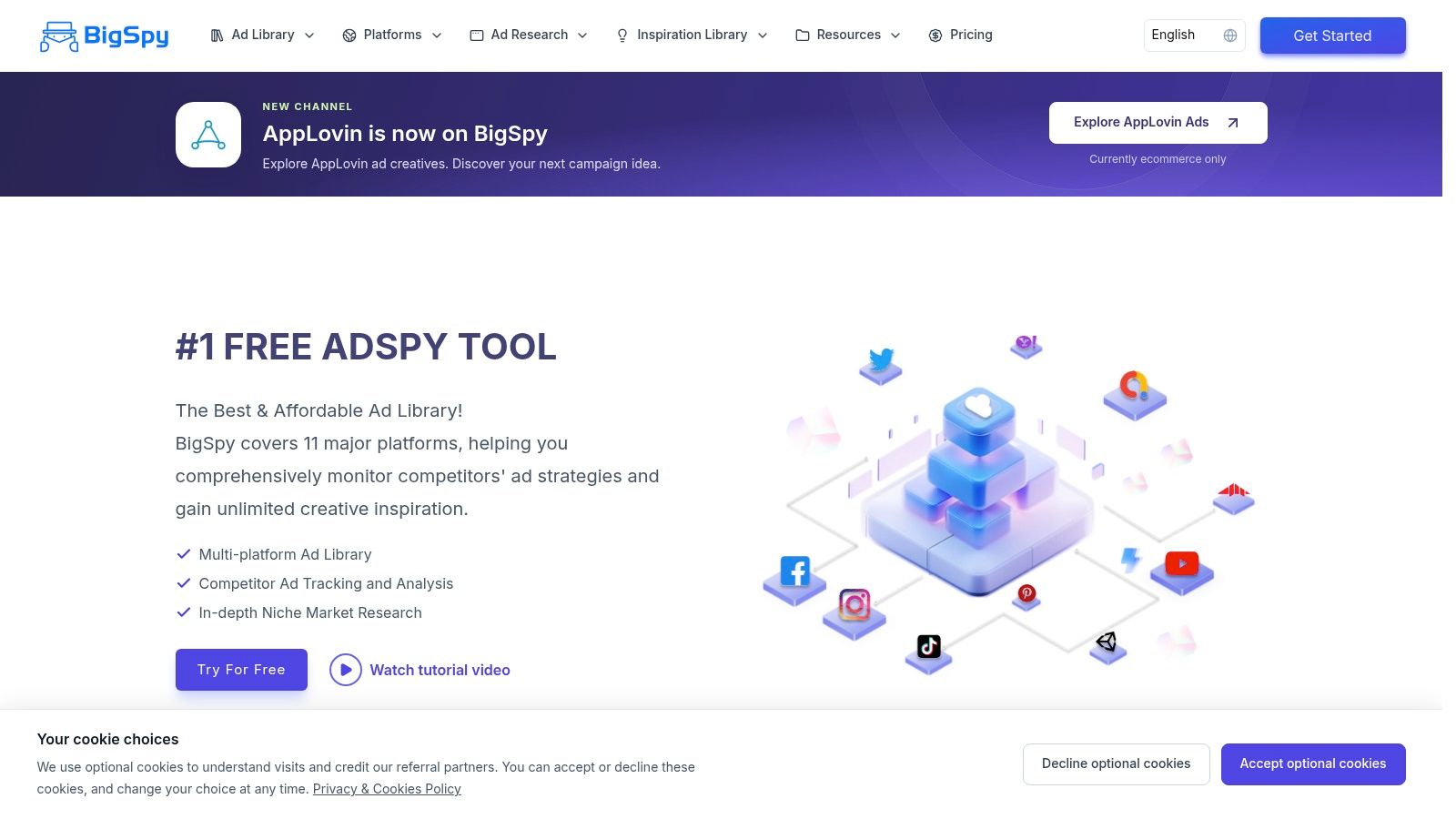
BigSpy is the practical pick when the same offer might be running on Meta and somewhere else, and you don't want a second subscription on day one. Free access includes Facebook ad creatives, searches, and limited creative tracking. Paid plans widen coverage to networks such as Instagram, TikTok, and YouTube, and they add ad tracking plus AI creative features with plan-dependent quotas. A five-seat team plan exists for shared research.
In 2025, 23% of marketers surveyed by HubSpot planned to reduce their Facebook investment, compared with 9% planning to reduce their Instagram investment. If budget is sliding between Meta placements, or off Meta entirely, a Facebook-only search will flatter the wrong channel.
- Start free: Test the search and tracking limits before you pay. Daily caps are real, so don't plan a client audit on the free tier alone.
- Compare formats: A static Facebook ad and a TikTok demo of the same product tell you whether the offer travels or only works in one placement.
- Skip it if you're Meta-only: Broad network coverage is noise when every decision you make is inside Ads Manager.
Quotas and network access change by plan, so check the tier against the countries and platforms you buy. Use BigSpy to see whether a competitor's story is Meta-specific. Don't treat a large creative count as a performance ranking.
6. Minea
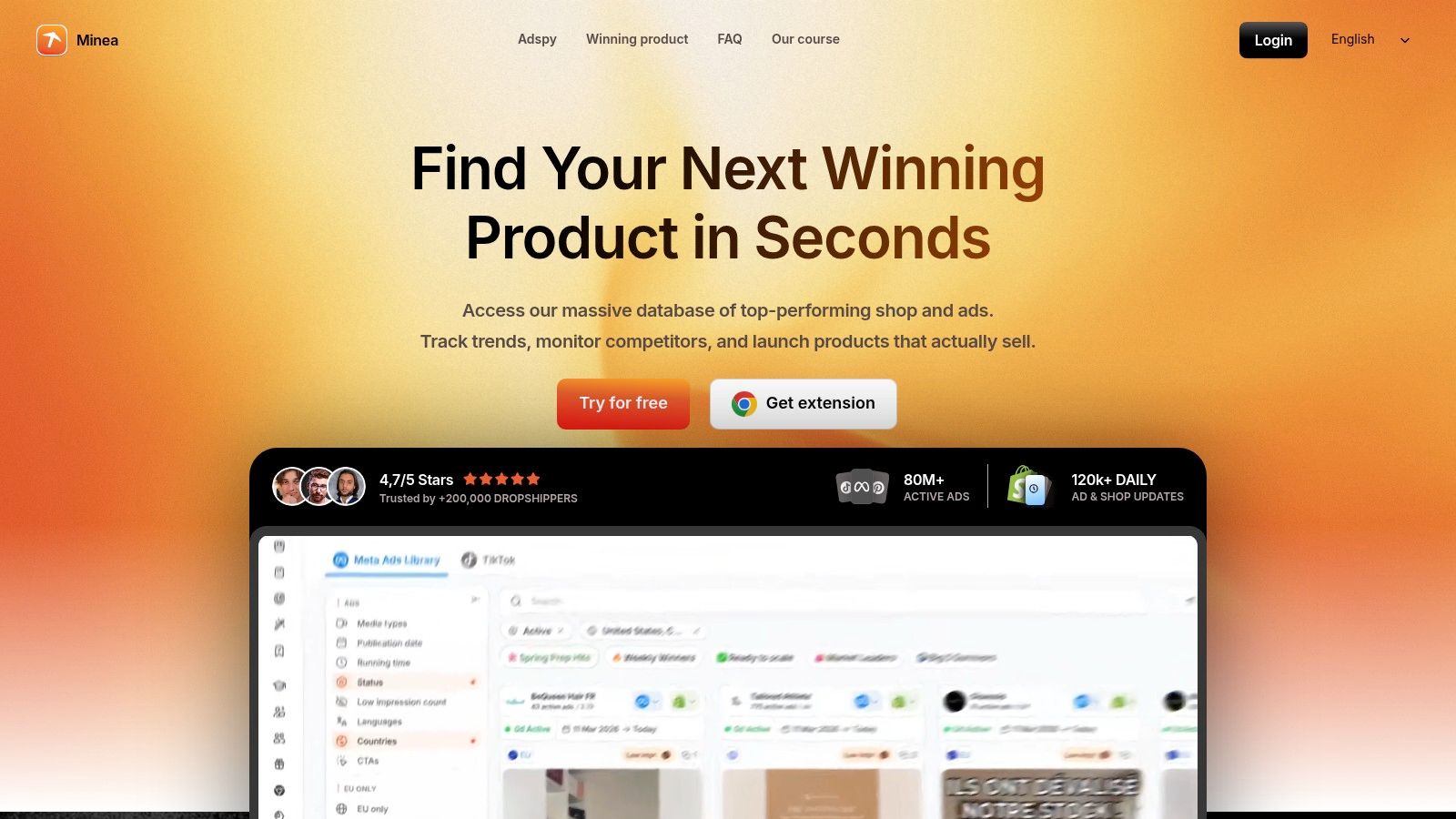
Minea is built for ecommerce marketers who need the ad and the thing being sold in the same search. Listings cover Meta ads, products, and shops. Brand tracking and notifications exist, with limits that depend on the plan. AI ad analysis and transcripts help when you're skimming video hooks, and search plus AI features run on monthly quotas. There's an accessible entry-level paid plan, which makes it easier to try than a full agency suite.
The useful move is pairing. You see the creative, the shop, and how the product is positioned, then you decide whether the offer is even relevant to your catalog. A general brand or B2B team won't get much from shop and product modules. Quotas mean a heavy research week can stall mid-export. Nothing in the product reveals a competitor's margin or true profitability.
Open a product page, note the landing-page promise, and compare it with two or three live Meta variants. If every variant repeats the same offer, that's a positioning clue. If they rotate offers weekly, you're looking at a test grid, not a settled winner. Either way, your next step is a small test of the angle, not a cloned campaign.
7. Adplexity Social
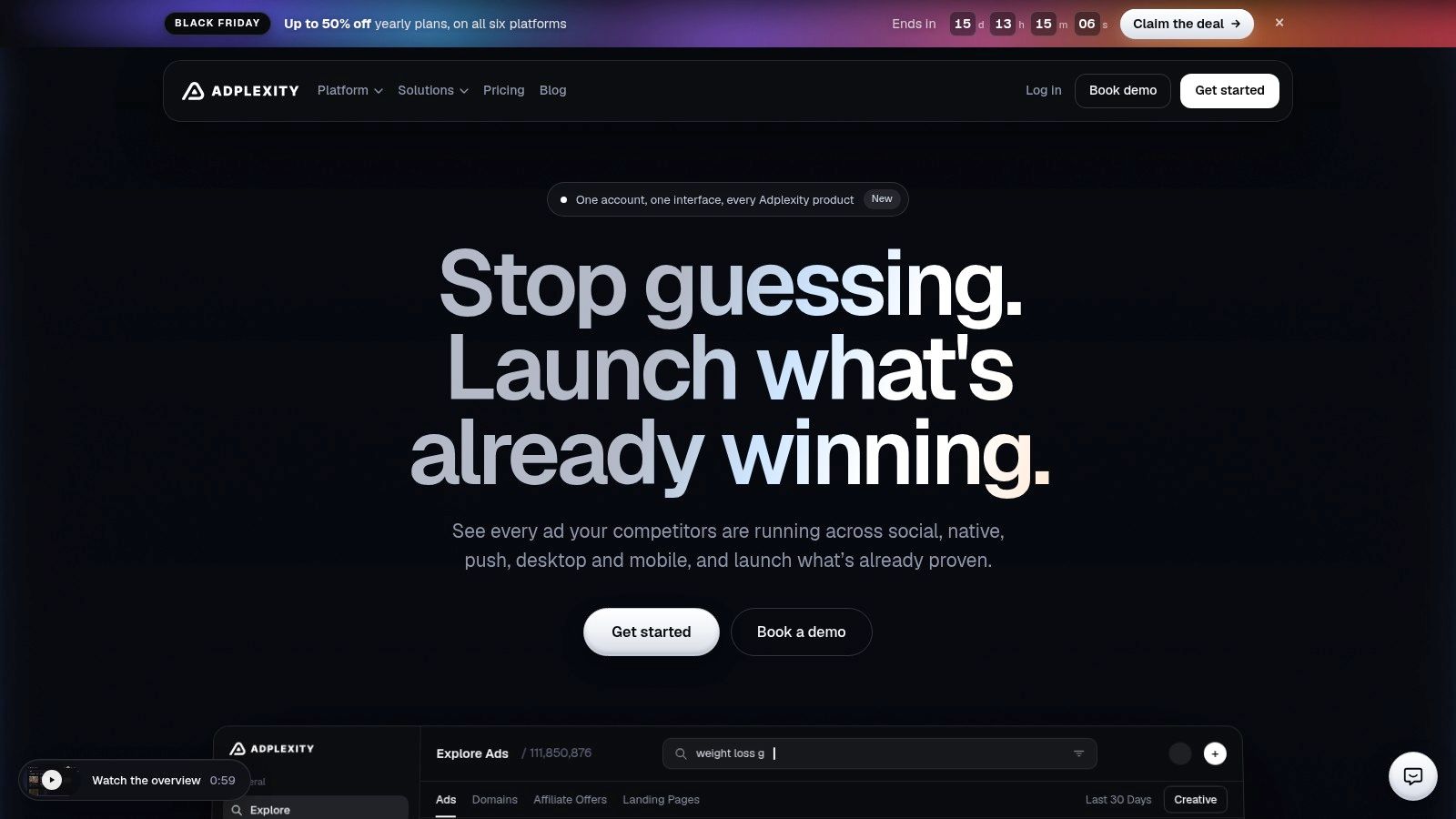
Adplexity Social is the Facebook and Instagram product for performance and affiliate marketers who care as much about the funnel as the thumbnail. You search and filter creatives, then inspect landing-page and redirect-chain context. Other Adplexity products cover other traffic sources, so this one stays narrow on purpose.
That landing-page layer is what separates a swipe from a teardown. Two ads can share a hook and send people to completely different checkouts, pre-sells, or bridge pages. Seeing the redirect chain stops you from judging the creative in isolation.
It isn't a campaign manager. You can't push a budget or read your own attribution here. If the competitor also buys native or content placements, you'll need another product, and you'll still want a clear line between native advertising and content marketing before you mix those lessons into a Meta brief. Findings need your own test. A funnel that converts for an affiliate offer can fall apart on a branded store with a different refund policy and a slower page.
8. Adheart
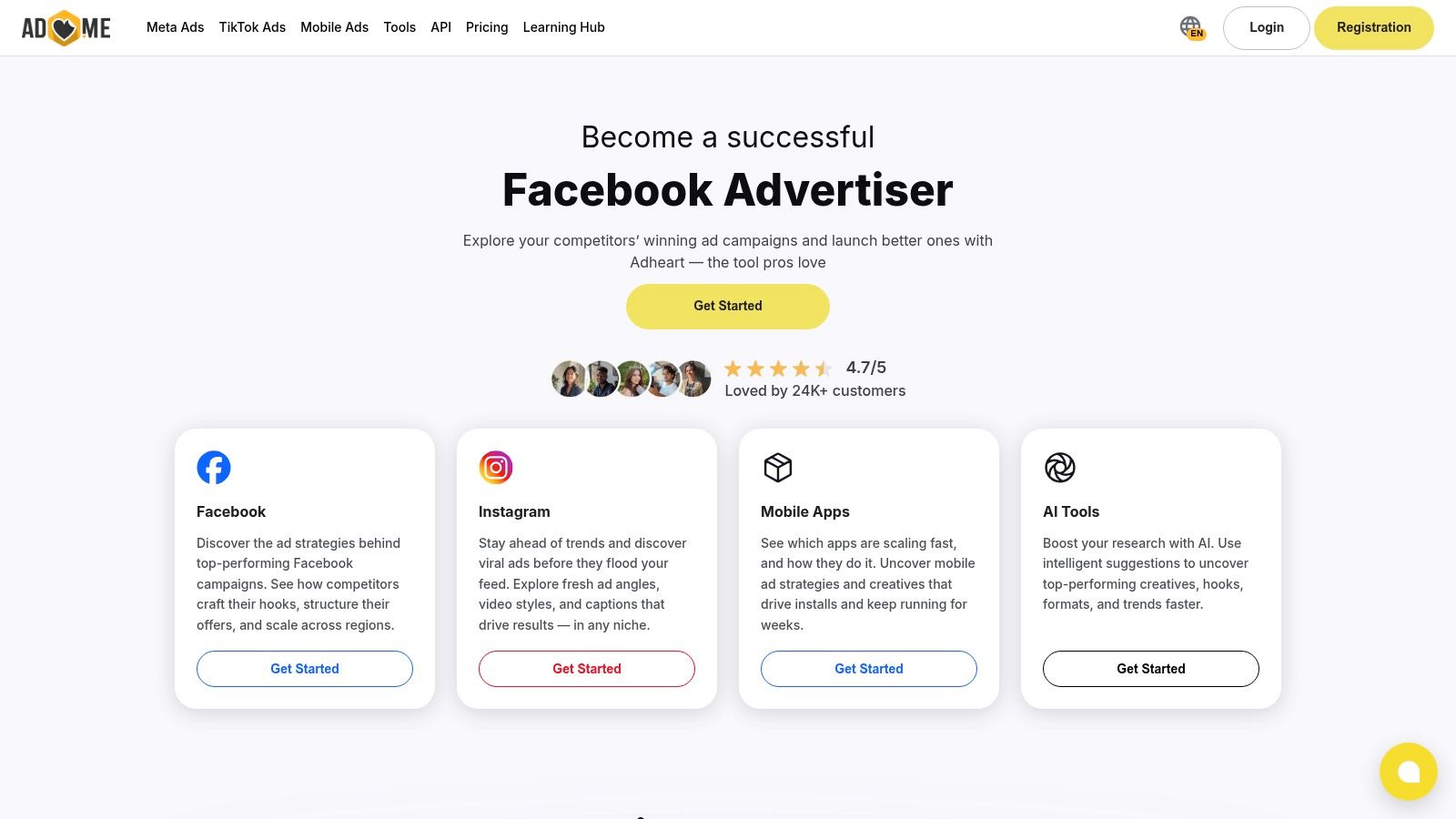
Run the same competitor check often enough and the problem stops being finding ads. It becomes remembering which ones survived. Adheart fits that repeat-check job: search by keyword, product, or advertiser, then narrow by country, format, placement, and dates. Saved ads go into a personal library, so a weekly review builds on last week instead of starting over.
The useful signals are ad duration and creative reuse. Treat both as triage. AdWhispr's Meta Ad Library guide points out the constraint underneath: official API access returns snapshot URLs rather than clean downloadable image and video files, leaves out standard commercial targeting and conversion metrics, and tends to surface ads that are active now rather than a full history after pauses. A long-lived ad can still be a cheap concept the advertiser keeps remaking.
Practical rule: Use duration and reuse to build a shortlist of angles, hooks, and offers. Don't treat either number as a profit score.
Access is the last thing to scope. The company lists an API or agent-oriented option, and pricing can depend on the product or route, so confirm it before you wire a workflow around it. Score Adheart on whether it preserves first-seen and last-seen context and exports a clean set for a test brief. It can shorten monitoring; it cannot prove the campaign made money.
9. Dropispy
Dropispy aims at dropshipping and ecommerce, with ad search next to Shop Spy and shop-level product context. A free plan lets you click around without a credit card, according to its FAQ, while some data and features stay locked. Paid plans add a monthly credit allowance, and the company says unused paid credits aren't refunded.
Basic and advanced filters cover the usual creative hunt. Credits are the trade-off to plan for. Searches and ad-detail views consume them, so an unfocused afternoon disappears into the balance. The free plan also restricts recent ads and some features, which means it demonstrates the interface more than it supports a full competitor map.
Paid pricing sits lower than some professional ad-intelligence subscriptions, which fits a solo operator testing a product idea. It doesn't fit a team that needs unlimited browsing across brand, B2B, and ecommerce accounts. Use a credit on the ad and the shop together. If the shop's catalog doesn't match the ad's promise, you've saved yourself a bad test. You still haven't seen the advertiser's real margin.
How the Shortlisted Meta Ad Library Tools Compare
| Item | Free Access | Network Focus | Team Features |
|---|---|---|---|
| AdLibrarySpy | Free access to all listed features | Meta ads; ecommerce store research | Shared workspaces, saved collections, and tracked brands |
| Meta Ad Library | Free for basic research | Meta platforms | No shared team workspace stated |
| Foreplay | Seven-day trial listed | Ad database; network coverage not specified | Shared boards and briefs; tracking and analytics on Workflow plan |
| AdSpy | No free access stated | Facebook and Instagram | No team features stated |
| BigSpy | Free Facebook-focused plan with limits | Facebook free; paid plans add Instagram, TikTok, YouTube, and other networks | Five-seat team plan |
| Minea | No free access stated | Meta ads, products, and shops | No team features stated |
| Adplexity Social | No free access stated | Facebook and Instagram | No team features stated |
| Adheart | No free access stated | Meta platforms | Personal ad library; team features not stated |
| Dropispy | Restricted free plan available | Ad network coverage not specified; ecommerce-focused research | No team features stated |
Build a Meta Ad Library Stack You Can Actually Maintain
Start every claim in Meta's free library. If a paid tool shows an ad the official search can't find for that Page and country, treat the export as unverified until you can. Then add one paid or specialist tool that matches the job you repeat, not the job you imagine. Creative teams live in a swipe file and briefs. Meta-only buyers want deep filters and comment or funnel context. International accounts need a place to compare networks. Ecommerce operators need the store and the product beside the ad.
The archive is large enough that "save everything" fails. Meta's current U.S. Ad Library Report listed more than 17.3 million ads and about $5.76 billion in aggregate spending when Meta's U.S. report was retrieved. Those figures are not all commercial advertising, and detailed spend is mainly a political, electoral, and issue-ad disclosure. They're still a warning. An unsorted folder won't become a decision.
The official API isn't a shortcut around that. AdEye's API write-up notes a roughly 200-call-per-hour rolling limit, plus app setup, identity or business verification, and token maintenance. Regular commercial ads are available through the API mainly for EU member states and the United Kingdom, while political and social-issue ads have broader archival coverage. Spend and impressions, when shown, are ranges. Build a weekly or biweekly review with a fixed list of Pages, markets, and questions. Write the angle, hook, format, offer, and call to action into a brief, then kill the ad idea or test it. Don't let the saved library grow without a decision.
None of these tools confirm profitability. Pair the research with your own tests. For the organic side of the same week, Quuu sits in a different category. It doesn't search ad libraries. It publishes to X, LinkedIn, Facebook, and Bluesky from one place, formats each post for the network, and uses analytics to show which content resonates so you can lean into what already works. You can run it on autopilot or approve every post. AI-written posts still need a human review before they go live, because the output can be inaccurate or unsuitable.
If the ad research is sorted and the missing piece is a steady organic presence, connect your profiles in Quuu. Setup is a few minutes. One plan is $19.79 per connected profile per month, with unlimited AI-generated posts, images and carousels, smart scheduling, brand-voice learning, the chat assistant, analytics, and priority support. Add or remove profiles as the client list changes, and read every draft before it publishes.